
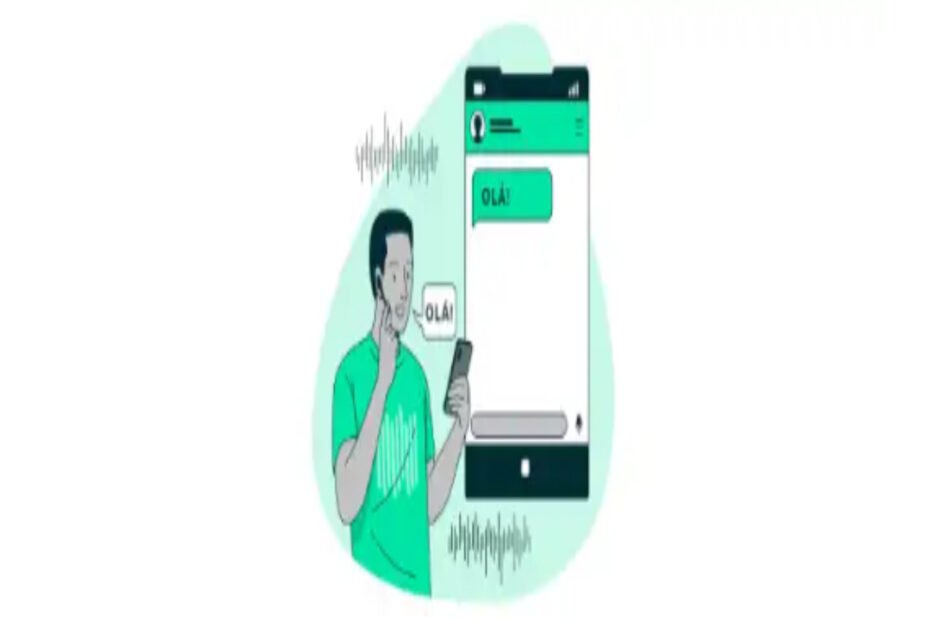
Creating and maintaining audio transcripts is a very useful practice in work meetings, health consultations, advisory sessions, and even for personal notes.
Another very interesting application is creating subtitles for videos and content on social media.
Although it is a very useful practice, transcription can be very time-consuming when done manually. That is why platforms with powerful AIs already offer the option to transcribe your audio automatically.
If you are looking for a tool to do this type of work, check out our list and find out which is the best AI for transcribing audio to text.
Best AI tools for transcribing audio online
Check out our list and choose the ideal option for your transcripts.
1. Transkriptor
Transkriptor is an AI tool for automatically transcribing audio, available in desktop and mobile app versions.
With support for Portuguese, the tool has a very intuitive and easy-to-use interface.
The app can transcribe podcasts, interviews, and videos into text, offering up to 90 minutes of transcription in the free plans.
2. Notta.AI
Notta is an online text transcription tool that supports conversions into Portuguese.
The application allows you to transcribe audio into text and even translate its content in just a few clicks.
3. Microsoft Word
Word is one of the most popular text editing tools in the world.
Developed by Microsoft, the editor has a number of new features, such as audio transcription in the following formats: .wav, .mp4, .mp3, and m4a.
Transcribing audio to text is very simple. Just use the “Dictate” feature and choose one of the available options.
4. VEED
VEED.io is an online video editing platform with features such as background removal, noise removal, filters, and many others.
In addition to all this, users of the web app also have access to AI for transcribing audio.
After uploading the file, you can transcribe it to text in just a few clicks and then download your file.
5. Google Recorder
Google Recorder is an excellent option for those who want to transcribe audio using Android devices.
The app is very intuitive, allowing you to record and transcribe your audio in one place. In addition, the tool offers text editing, text search, and content sharing features.
6. oTranscribe
This is another AI option for transcribing audio into text that works directly in your browser.
One of its unique features is time stamps in the text to facilitate navigation, content saved by your browser, and export options to Google Docs, Markdown, or text files.
7.Tess AI
Tess AI, Pareto’s platform, integrates the world’s largest AIs in one place. With it, you can optimize your entire work routine, making your day-to-day life easier, simpler, and faster.
To accurately convert speech to text, there are several templates for different applications. One of them is the “AI audio transcription playground.” The process is very simple: just upload the media file and let the AI do the rest.
As the platform is highly customizable, in addition to these audio transcription templates, you can create one from scratch that best suits your specific needs, whether for work or personal projects.
The great advantage of Generative AI, Tess AI, is that this is just one of several tools. You can centralize your solutions, i.e., generate images, texts, videos, transcribe texts into audio, generate codes, among others.
8. Audiotype
Audiotype is an audio transcription tool designed for use in companies and organizations that need files transcribed accurately and quickly.
The service supports more than 30 languages and can transcribe meeting recordings and convert the file to subtitle format.
As it is a more robust option, you have to pay for the service. But before making the payment, you can check out a free trial version.
9. RASK
RASK is an AI for transcribing audio that also translates into more than 130 different languages.
The tool is quite robust, allowing you to convert audio files up to 5 hours long.
You can transcribe audio or video recordings. The platform also has a text editor that allows you to download the results.
To access all of its features, you need to pay for a plan, but you can also try it for free.
Have you found an AI to transcribe audio?
We hope that our article has provided you with a list of versatile AI options for transcribing audio and assisting you in your work or studies.